
Pictures
Pictures live in the space's media library. A page names them as , and the server serves the right file, strips its metadata and makes smaller copies on request.
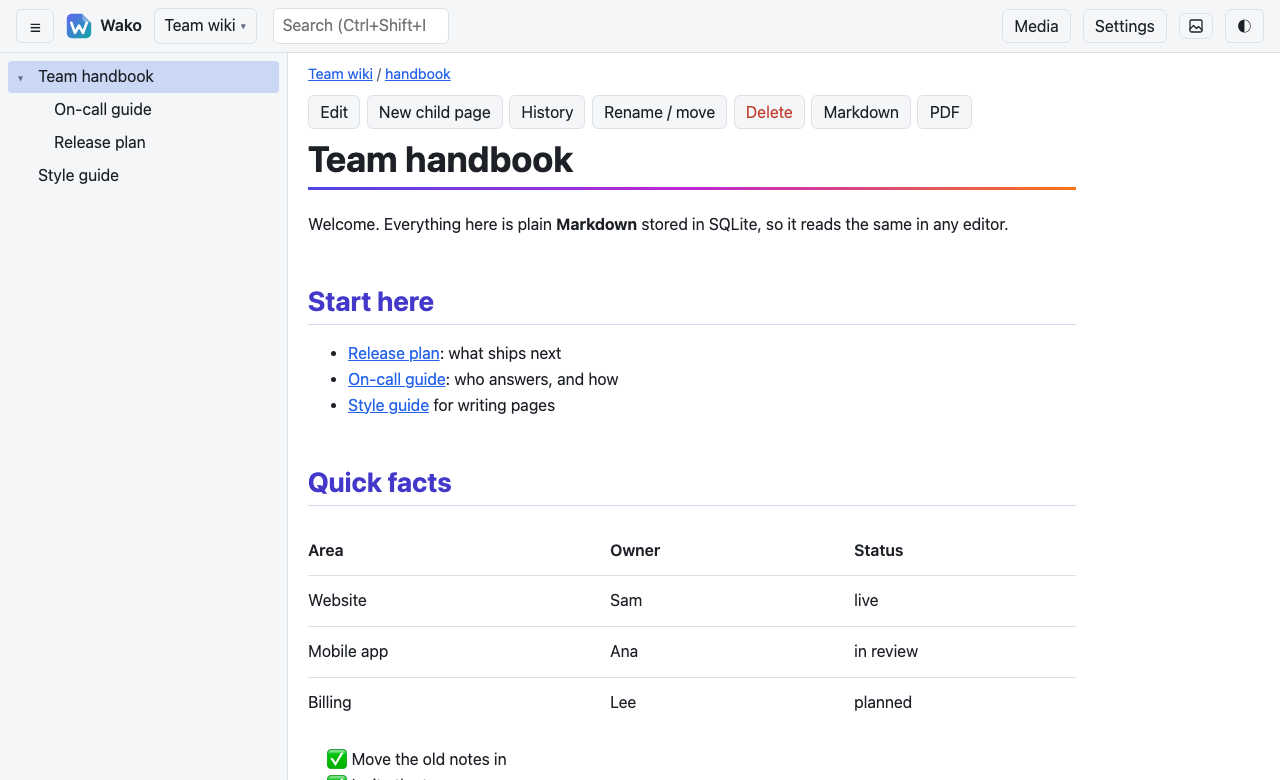
A screenshot
Choosing a size
Add #w= or #h= to set a width or height in pixels (60, 240, 400, 600, 800, 1200 or 1600). The same screenshot, at 240 and at 400 pixels wide:
Without a size, a picture is shown as large as the page allows:
SVG and charts
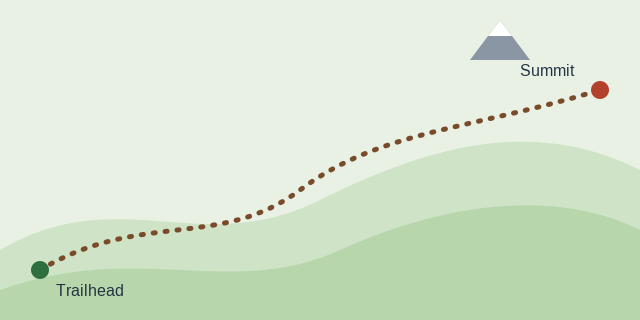
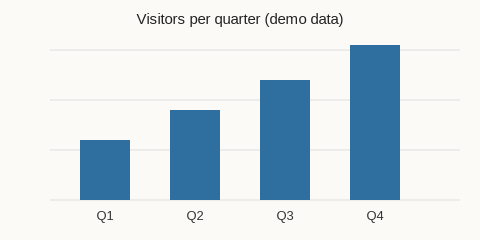
Vector pictures stay sharp at any size.
Placement
The picture placement button in the top bar cycles between as written, floated left, floated right and centred. It does not change the Markdown.
Pictures from other sites
A picture on another site can be shown at a smaller size too. Wako fetches it, keeps only the resized copy for a day and links to the original:

Back to the welcome page.
This is the read-only demo of wako. Back to the wako landing page · wako on GitHub